
Resources
This carefully curated collection of resources will help you find packages and learning resources to help you on your R journey.
'Vibe coding' with AI agents in scientific research
The article provides a critical perspective on 'vibe coding' with AI agents in the context of scientific research. Vibe coding involves creating software using large language models (e.g. ChatGPT, Claude) through prompting and minimal human-written code. It highlights the risks of relying on AI for coding tasks that require precision, such as data wrangling and model formulation in scientific research. The author shares experiences with agentic AI systems and discusses the potential for producing logically flawed results due to over-engineering and a lack of manual logic checks. Guidance on safely using AI agents for scientific coding is offered.
Go to Resource
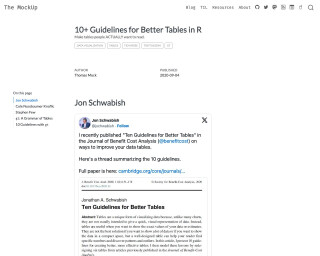
10+ Guidelines for Better Tables in R
The MockUp - 10+ Guidelines for Better Tables in R
Go to Resource
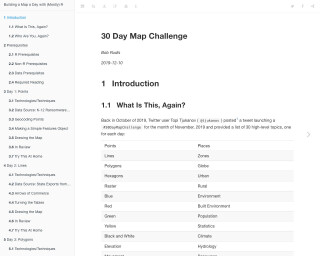
30 Day Map Challenge
Building a Map a Day with (Mostly) R is a 30-day challenge where each day, a map is created using R. The challenge covers various map types and techniques using different data sources. The tutorial provides step-by-step instructions on how to create each map and includes code examples. The challenge is suitable for those who are familiar with R and want to enhance their mapping skills.
Go to Resource
3D city building maps with R - YouTube
This YouTube video is about creating 3D city building maps using R.
Go to Resource

A beginner’s guide to building a simple website with Quarto & Netlify
This content is a tutorial for beginners on creating a simple website using Quarto and deploying it with Netlify. It guides users through the installation of RStudio and Quarto, the process of creating a Quarto website, and understanding the necessary files. The guide highlights the benefits of using Quarto and Netlify over other website platforms and provides a stress-free approach for those without web development experience. It includes step-by-step instructions to ensure even complete novices can achieve a professional online presence quickly and easily.
Go to Resource
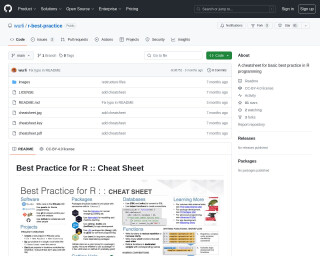
A cheatsheet for basic best practice in R programming
The GitHub repository wurli/r-best-practice provides a cheatsheet aimed at establishing basic best practices for R programming. Intended for developers new to R or those interested in improving their skills, it contains opinionated guidelines for good practices. The cheatsheet includes a variety of tips and is licensed under CC-BY-4.0, ensuring free use with credit. Originally developed for the UK Department for Education, it has been generalized for broader usage. Inspired by Posit's data science software cheatsheets, it encourages forking for personalized adaptation.
Go to Resource
A Claude Skill for _brand.yml, and sharing with Quarto 1.9
Stephen Turner created a Claude Skill for generating '_brand.yml' files, which define brand styling for Quarto documents. This skill streamlines the creation of consistent visual themes across various document formats like websites and PDFs. A _brand.yml file is a single YAML file that sets colors, fonts, and typography. Turner tested the skill by creating a brand.yml for the UVA School of Data Science, demonstrating ease of use and consistency in branded outputs. The skill leverages Quarto 1.9's feature to share brand.yml via GitHub. Users can create brand.yml files based on existing websites, institutional color schemes, or custom descriptions.
Go to Resource
A Few Claude Skills for R Users
This post highlights various Skills for R users developed by the community to work with coding AI tools, specifically tailored for Claude, an AI assistant by Anthropic. These Skills offer guidance on using the latest features in R coding, promoting best practices, and improving productivity. The author mentions resources for finding these Skills and provides definitions for terms like Claude Models and Claude Code. The post also differentiates between CLAUDE.md files and Claude Skills based on their scope and context usage, suggesting the latter for task-specific commands. Community contributions, such as "Claude R Tidyverse Expert" and "Claude Code R Skills," are exemplified.
Go to Resource
A First Look at Positron
Julia Silge provides a comprehensive overview of Positron, the next-generation data science IDE built by the creators of RStudio. Presented at the recent useR! conference, this video gives you everything you need to know about Positron’s features and capabilities. If you’re considering making the switch from RStudio to Positron, this is an excellent resource to help inform your decision.
Go to Resource

A ggplot2 Tutorial for Beautiful Plotting in R
A ggplot2 tutorial for beautiful plotting in R by Cédric Scherer
Go to Resource
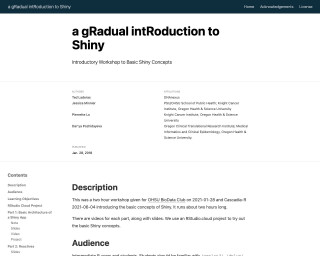
a gRadual intRoduction to Shiny
A gradual introduction to Shiny is a two-hour workshop that introduces the basic concepts of Shiny, a web application framework for R. The workshop covers the basic architecture of Shiny apps, how the server and UI communicate, adding ggplot2 code to an app, creating reactive datasets, and adding tooltips with plotly. The workshop is designed for intermediate R users and students familiar with ggplot2, dplyr, and functions.
Go to Resource
A personal history of the tidyverse
This content presents a personal history of the tidyverse, a collection of R packages for data science, as seen through the eyes of the creator, Hadley Wickham. The article traces the evolution of the tidyverse from its early beginnings to its current status as a major tool in the R ecosystem. It reflects on the growth from individual projects to a collaborative community effort, supported by both Posit (formerly RStudio) and users worldwide, spanning almost 20 years and over 500 releases. The tidyverse's defining features, its significance, and the future vision are all discussed, emphasizing its open-source philosophy and contribution to data analysis and data warehousing.
Go to Resource