Resources
This carefully curated collection of resources will help you find packages and learning resources to help you on your R journey.
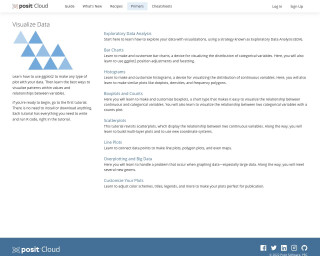
RStudio Cloud Primers: Visualize Data
Posit Cloud is a cloud-based solution that allows users to securely store and access their data from anywhere. It provides data storage, backup, and synchronization services, making it easy for users to access their files and collaborate with others.
Go to Resource
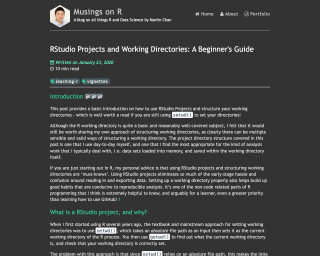
RStudio Projects and Working Directories: A Beginner's Guide
This blog post provides a basic introduction on how to use RStudio Projects and structure your working directories. It explains why RStudio projects are important and the advantages of using them over setwd(). The post also covers how RStudio projects make file paths relative, making it easier to reference files within the project. It includes practical examples and personal advice for beginners in R programming.
Go to Resource
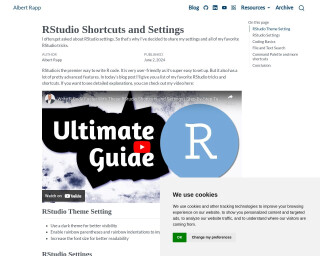
RStudio Shortcuts and Settings
Albert Rapp provides a guide for maximizing productivity in RStudio with shortcuts and settings. This post covers visual adjustments like themes, legibility improvements, and editor configurations, alongside tips for efficient code execution, debugging, and navigation. Rapp emphasizes starting with a clean environment, highlights key shortcuts for coding basics, file searching, command palette, and session management. The aim is to enhance user experience, reduce reliance on the mouse, and improve coding workflow. Ideal for R users looking to streamline their RStudio setup.
Go to Resource
RStudio to Positron
This overview is designed for current RStudio users considering a switch to Positron, a new IDE. It explains similarities between RStudio and Positron and highlights changes users can expect. By leveraging Code OSS, the same foundation as Visual Studio Code, Positron offers features tailored for data science. This guide, alongside additional resources, aims to ease the transition with a focus on keybindings, feature comparisons, and using Positron's user interface effectively. Tips include using the migration guide and exploring the Command Palette, a central element differing from RStudio's traditional layout.
Go to Resource
Saloni's guide to data visualization
Saloni Dattani of Our World in Data provides a comprehensive guide to creating effective data visualizations. While not R-specific, the principles apply directly to work in {ggplot2} and other R visualization tools. Dattani covers why visualization matters, how to choose meaningful chart types, techniques for making charts clearer (like using horizontal text and direct labeling), and how to avoid common pitfalls like misleading scales and confusing color choices. The guide emphasizes creating charts that work as standalone pieces, are accessible to colorblind viewers, and include proper context and sourcing. Whether you’re creating exploratory visualizations or polished final graphics, this guide offers valuable insights for improving your data visualization work.
Go to Resource
Second edition of Geocomputation with R is complete – geocompx
The blog post announces the near-completion of the second edition of 'Geocomputation with R.' It showcases the three-year journey of updating and enhancing the content, discussing improvements and pending tasks. This edition integrates changes in the R ecosystem, such as the introduction of the terra package for raster data and sf package's support for spherical geometries. It revises content on spatial vector and raster data manipulation, connects R with GIS/cloud services, and addresses real-world geocomputation applications like transportation and ecology. The second edition aligns with new library standards, emphasizing the practical, hands-on nature of the open-source book.
Go to Resource
Seven tips for creating Quarto revealjs presentations
This content provides practical advice from Dr. Tom Palmer on creating Quarto revealjs presentations, particularly useful for lecturers using images, maths, or code. Tips include slide size adjustments, code chunk formatting, and previewing presentations on different screen resolutions. Quarto's integration with revealjs simplifies the process, and the tips address common hurdles, enhancing the readability and visual compatibility of presentations. For detailed guidance, the Quarto user guide and documentation are recommended.
Go to Resource
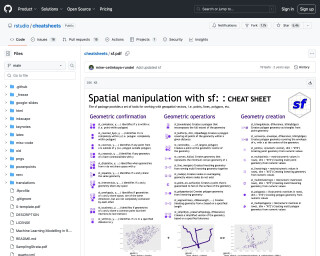
sf cheatsheet
A cheatsheet for the 'sf' package in R that provides a concise summary of spatial data manipulation and visualization functions.
Go to Resource
sf: A Tutorial
A tutorial introduction to the sf R package, which provides a powerful interface for working with geospatial data stored in vector formats.
Go to Resource
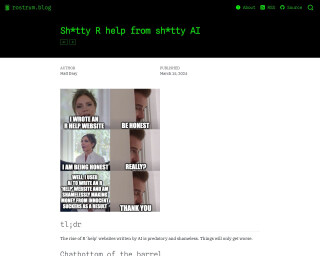
Sh*tty R help from sh*tty AI
The blog post from rostrum.blog critiques the proliferation of R help websites that use low-quality AI-generated content to exploit vulnerable learners for profit. The author observes these sites featuring predatory practices such as affiliate marketing without providing valuable help, producing numerous pages with slightly altered content for SEO gains, and dishonestly attributing authorship to non-existent human writers. The post warns readers to be cautious and recognize that these sites offer poor advice, often including incorrect or non-functional code, and may feature content pirated from legitimate creators without consent.
Go to Resource
Shiny - Where Questions Become Queries: Meet querychat
Shiny - Where Questions Become Queries: Meet querychat is an article introducing the querychat package, which allows users to interact with their Shiny dashboards using natural language queries. This eliminates the need for complex filtering mechanisms, making data analysis more accessible and intuitive. The article uses two examples, the diamonds dataset and the SheScores soccer dashboard, to showcase how querychat can translate questions into executable SQL queries, yielding reactive data frames within Shiny. It emphasizes the role of a Large Language Model in powering querychat and suggests models like Anthropic's Claude Sonnet 4.5. Practical information on using querychat with full code examples is available on GitHub, making it easy for readers to implement the package in their own projects.
Go to Resource