
Resources
This carefully curated collection of resources will help you find packages and learning resources to help you on your R journey.

R for Sign Language Linguistics
This content is a tutorial by Carl "Calle" B{"o}rstell on leveraging R for sign language linguistics, published on August 17, 2023. It targets sign language linguists who are familiar with R, mentioning helpful resources and focusing on handling ELAN files (.eaf) using the {tidyverse} and custom functions in R. The tutorial introduces the {signglossR} package and the read_elan() function for importing ELAN files into R for data analysis, and details steps for reading, storing, and pivoting ELAN annotation data into wide format, with examples provided.
Go to Resource
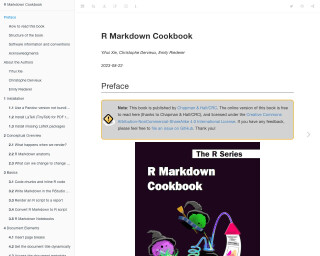
R Markdown Cookbook
R Markdown Cookbook is a comprehensive guide that provides tips and tricks for effectively using R Markdown to create dynamic reports and documents. The book covers various topics, including installation, conceptual overview, basics, document elements, formatting, LaTeX output, HTML output, Word output, multiple output formats, and tables. It also includes code examples and explanations to illustrate the concepts.
Go to Resource
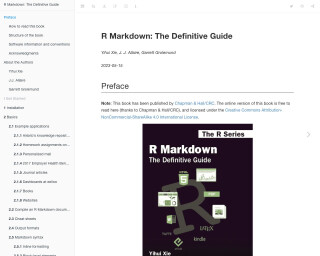
R Markdown: The Definitive Guide
R Markdown: The Definitive Guide is a comprehensive guide to using R Markdown for creating dynamic reports, presentations, and dashboards.
Go to Resource
R Workshop: Handling Uncertainty in your Data
This R Workshop titled 'Handling Uncertainty in your Data' is designed to educate participants on managing data uncertainty. Organized by Dr. Mario Reutter and Juli Nagel, and sponsored by IGOR, the workshop spans two afternoons with sessions on R basics, measurement precision theory, and practical techniques for computing confidence intervals and uncertainty visualization in R. Additionally, it provides a general intro to R, data wrangling, and visualization, with a spotlight on translating measurement precision into visual representations.
Go to Resource
R’s Killer Feature: RMarkdown
RMarkdown is a powerful tool in R that allows users to write documents with embedded code and generate reports, presentations, and other outputs. This article discusses the value and benefits of using RMarkdown, such as avoiding switching between multiple tools, focusing on content rather than formatting, ensuring consistent branding, embracing reproducibility, producing many reports from one document, and using version control.
Go to Resource
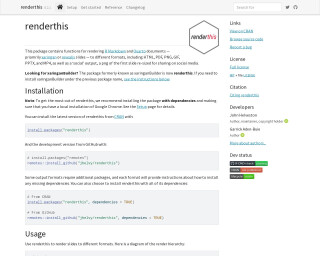
Render media to different formats • renderthis
The package 'renderthis' (formerly 'xaringanBuilder') enables users to render R Markdown and Quarto documents into various formats like HTML, PDF, PNG, GIF, PPTX, and MP4. It specifically caters to xaringan or revealjs slide presentations and includes a 'social' output optimized for sharing on social media. Installation requires dependencies and a local Google Chrome browser. It simplifies rendering with functions prefixed by to_*() requiring a source file path. Additional dependencies are needed for certain formats, with instructions provided for each case. The package supports an efficient workflow for preparing presentations for diverse sharing and publication purposes.
Go to Resource
resouRces
This content encompasses a comprehensive list of R-related educational materials, packages, tutorials, and datasets with projected dates ranging up to the year 2025. It includes various titles that focus on learning R programming, data analysis, data visualization, geospatial mapping, and statistical methods. Significant emphasis is placed on resources for learning R, such as introductions to R, books, courses, and video tutorials. Additionally, specific packages for data wrangling, statistical modeling, and visualization are mentioned, indicating the evolution and specialization of R's ecosystem to cater to diverse data science needs.
Go to Resource
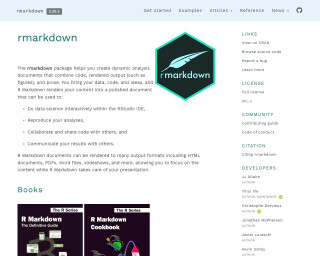
RMarkdown
The rmarkdown package helps you create dynamic analysis documents that combine code, rendered output (such as figures), and prose. It allows you to do data science interactively within the RStudio IDE, reproduce your analyses, collaborate and share code with others, and communicate your results with others. R Markdown documents can be rendered to many output formats including HTML documents, PDFs, Word files, slideshows, and more.
Go to Resource
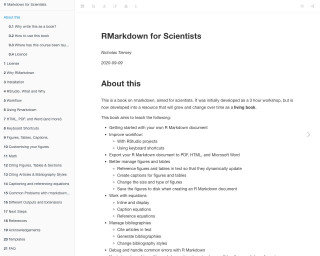
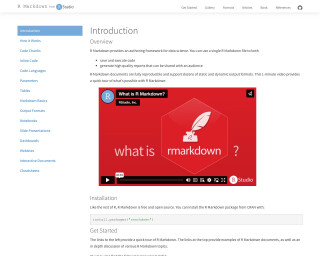
RMarkdown Tutorials
R Markdown provides an authoring framework for data science. It allows users to save and execute code, generate high-quality reports, and share them with an audience. R Markdown documents are fully reproducible and support various static and dynamic output formats. The R Markdown package is free and open source and can be installed from CRAN. The R Markdown website provides comprehensive documentation and resources for getting started with R Markdown.
Go to Resource
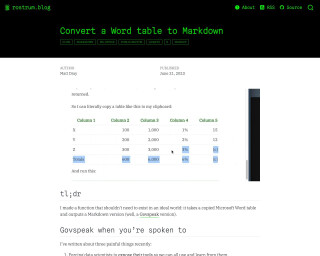
RStudio Shortcuts and Settings
Albert Rapp provides a guide for maximizing productivity in RStudio with shortcuts and settings. This post covers visual adjustments like themes, legibility improvements, and editor configurations, alongside tips for efficient code execution, debugging, and navigation. Rapp emphasizes starting with a clean environment, highlights key shortcuts for coding basics, file searching, command palette, and session management. The aim is to enhance user experience, reduce reliance on the mouse, and improve coding workflow. Ideal for R users looking to streamline their RStudio setup.
Go to Resource