
Resources
This carefully curated collection of resources will help you find packages and learning resources to help you on your R journey.
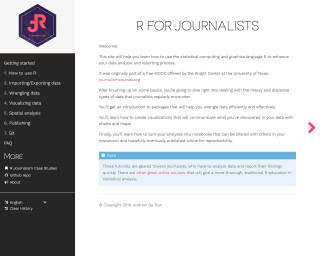
R for Journalists
This is a resource for journalists to learn how to use the R programming language for data analysis and reporting. It covers topics such as installing R and RStudio, importing/exporting data, data wrangling, data visualization, spatial analysis, publishing with RMarkdown, and using Git for version control. The tutorials are designed to help journalists quickly analyze data and report their findings.
Go to Resource

R for Sign Language Linguistics
This content is a tutorial by Carl "Calle" B{"o}rstell on leveraging R for sign language linguistics, published on August 17, 2023. It targets sign language linguists who are familiar with R, mentioning helpful resources and focusing on handling ELAN files (.eaf) using the {tidyverse} and custom functions in R. The tutorial introduces the {signglossR} package and the read_elan() function for importing ELAN files into R for data analysis, and details steps for reading, storing, and pivoting ELAN annotation data into wide format, with examples provided.
Go to Resource
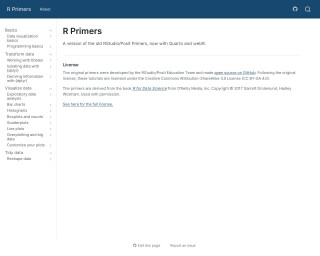
R Primers
R Primers offer updated RStudio/Posit educational content, now utilizing Quarto and webR. Originally developed by RStudio/Posit Education Team, these open-source tutorials help users learn R programming, deriving content from the book 'R for Data Science'. They are licensed under the CC BY-SA 4.0, ensuring wide accessibility for learners to improve their data science skills with R.
Go to Resource

Read files on the web into R
June Choe's tutorial provides valuable insights for R users desiring to read files directly from the web into their R environment. It caters to individuals seeking to streamline their workflow by skipping the download process. The focus is on various data sources like GitHub public repos, gists, private repos, and OSF. Techniques include utilizing the 'raw.githubusercontent.com' URLs for reading CSV files and handling binary files which can't be displayed as plain text. The content covers sessionInfo(), streaming with {duckdb}, and miscellaneous tips for efficient data import in R.
Go to Resource
Read hundreds of Excel files into one dataset with one line of code #shorts #excel #rstats - YouTube
Learn how to read multiple Excel files into one dataset using R with just one line of code.
Go to Resource
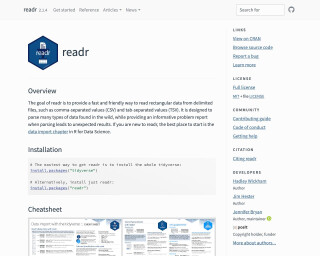
readr
The readr package provides a fast and friendly way to read rectangular data from delimited files, such as CSV and TSV. It supports various file formats and allows you to specify column types or guess them. This overview provides information on installation, usage, and column type guessing in readr.
Go to Resource
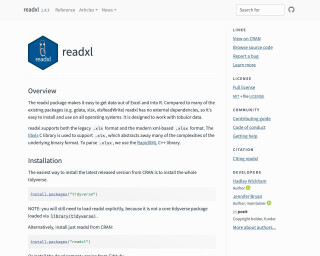
readxl
The readxl package makes it easy to get data out of Excel and into R. It supports both the legacy .xls format and the modern xml-based .xlsx format, and can read data from specific worksheets or cell ranges.
Go to Resource
resouRces
This content encompasses a comprehensive list of R-related educational materials, packages, tutorials, and datasets with projected dates ranging up to the year 2025. It includes various titles that focus on learning R programming, data analysis, data visualization, geospatial mapping, and statistical methods. Significant emphasis is placed on resources for learning R, such as introductions to R, books, courses, and video tutorials. Additionally, specific packages for data wrangling, statistical modeling, and visualization are mentioned, indicating the evolution and specialization of R's ecosystem to cater to diverse data science needs.
Go to Resource
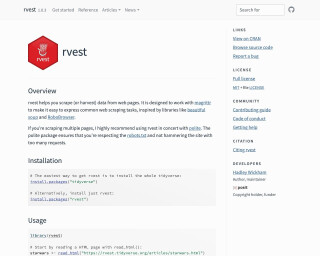
rvest
rvest is an R package that helps you scrape (or harvest) data from web pages. It is designed to work with magrittr to make it easy to express common web scraping tasks.
Go to Resource
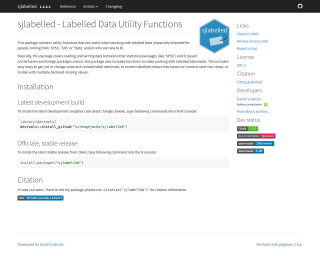
sjlabelled
This package contains utility functions that are useful when working with labelled data (especially intended for people coming from ‘SPSS’, ‘SAS’ or ‘Stata’ and/or who are new to R). Basically, this package covers reading and writing data between other statistical packages (like ‘SPSS’) and R, based on the haven and foreign packages; hence, this package also includes functions to make working with labelled data easier. This includes easy ways to get, set or change value and variable label attributes, to convert labelled vectors into factors or numeric (and vice versa), or to deal with multiple declared missing values.
Go to Resource